Screenshots
Two lines: SEO Note 2.1 for Windows 10/11 (64-bit), Linux x64 and Android, and the classic SEO Note 1.3.34 for Windows 7 / 8 and 32-bit systems. Click a picture to open the full-size image.
SEO Note 2.1 — the current build
Notes live in a single
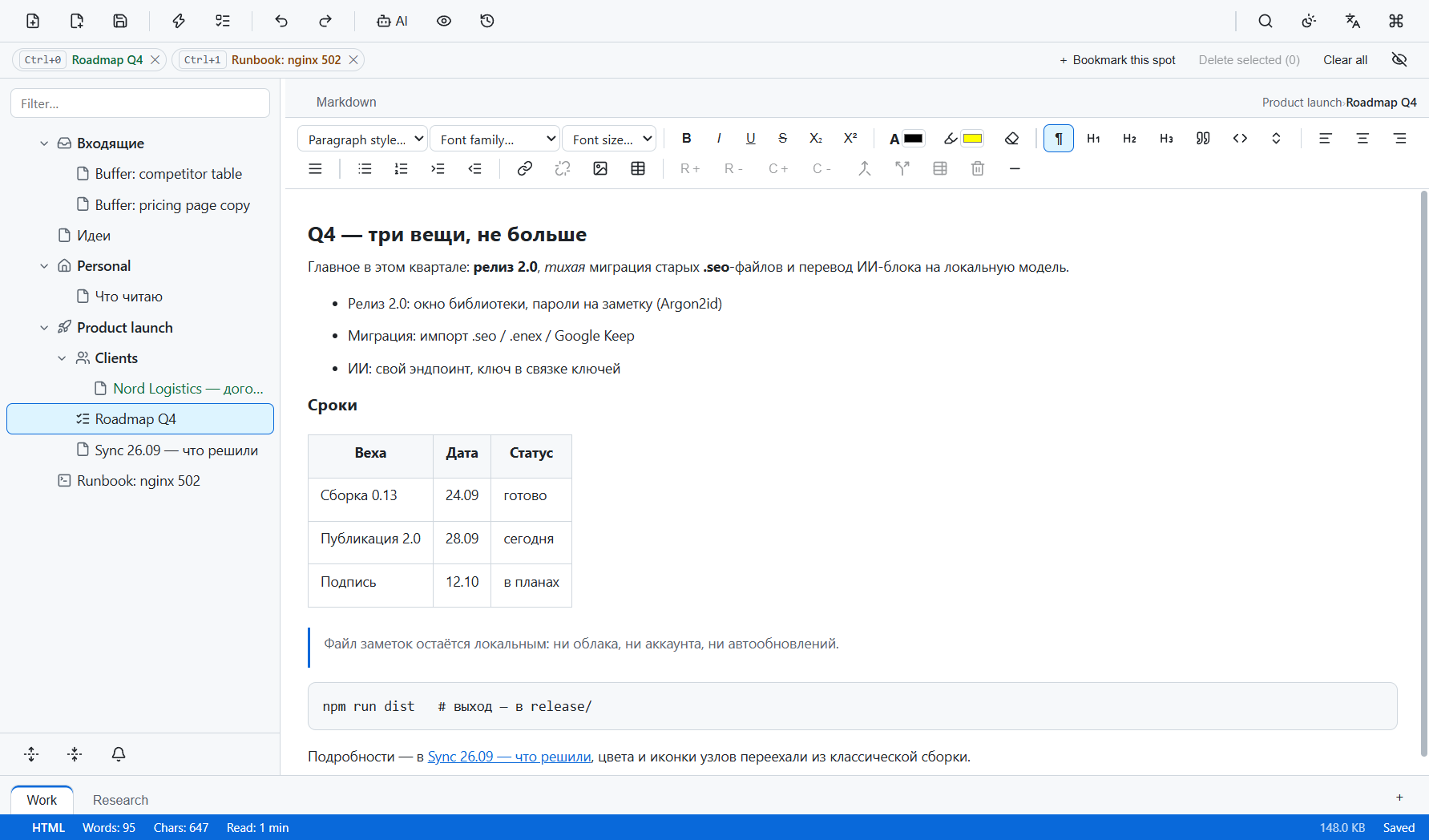
.seonotefile. The interface is available in English, Russian, Turkish and German. The frames below were captured on build 2.0.0; they have not been re-shot for 2.1 yet, so treat them as the 2.0 interface. The Android build is not shown here.Main window — the note tree on the left, the editor on the right, bookmark chips above
Enlarge
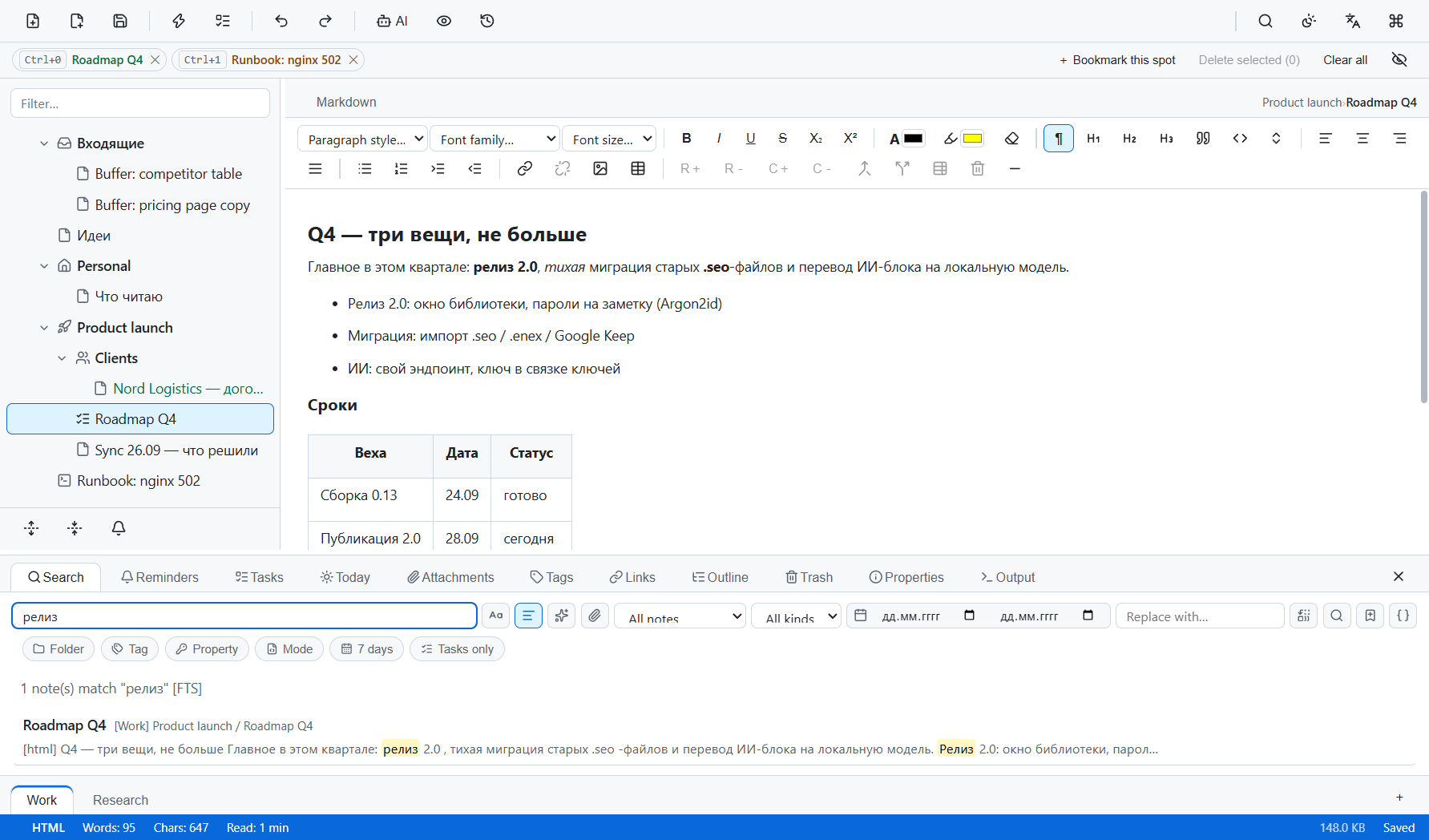
Search — full-text search across every note, matches highlighted in the results panel
Enlarge
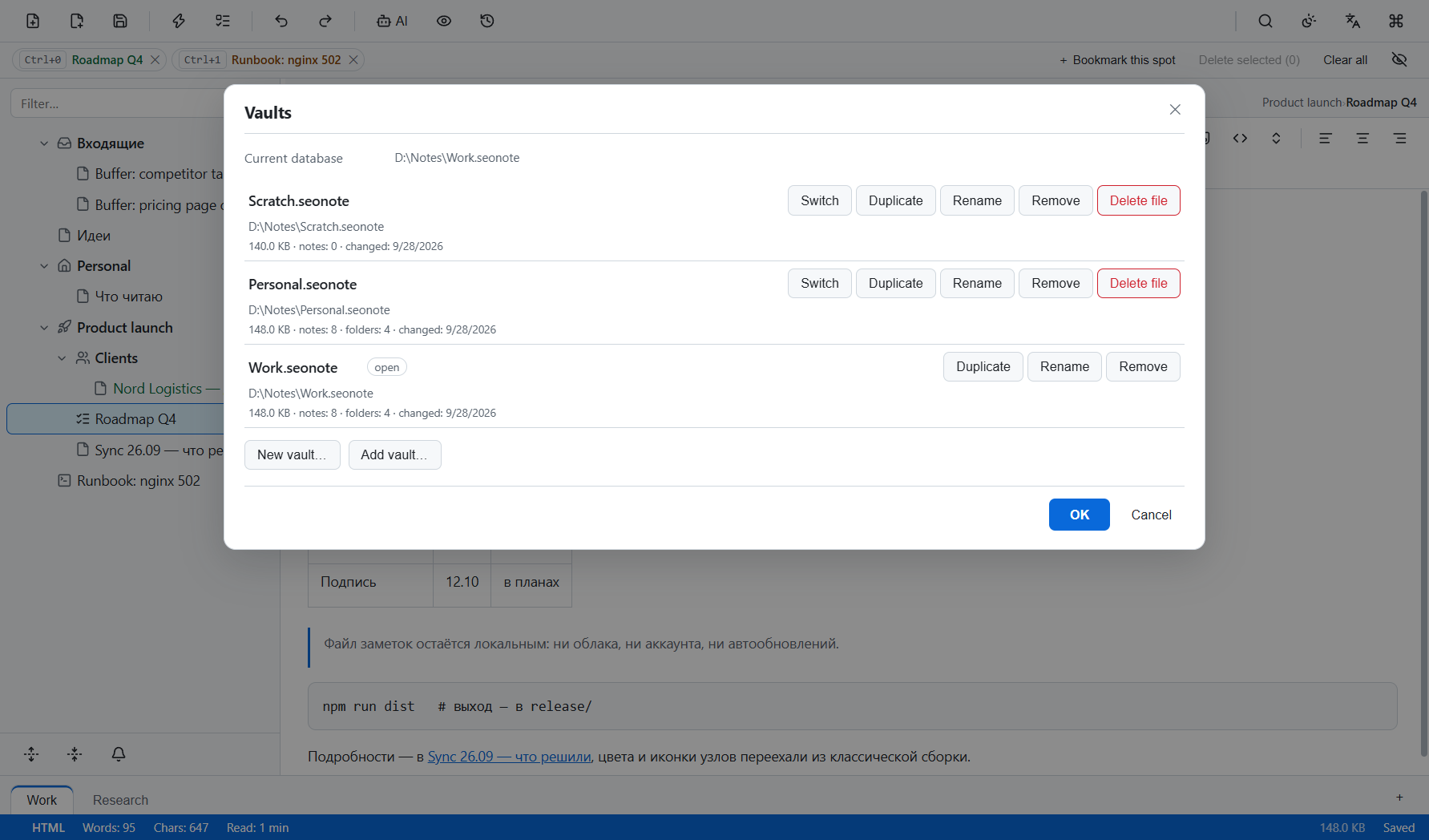
Vault library — several note files at once: switch, duplicate, rename or remove
Enlarge
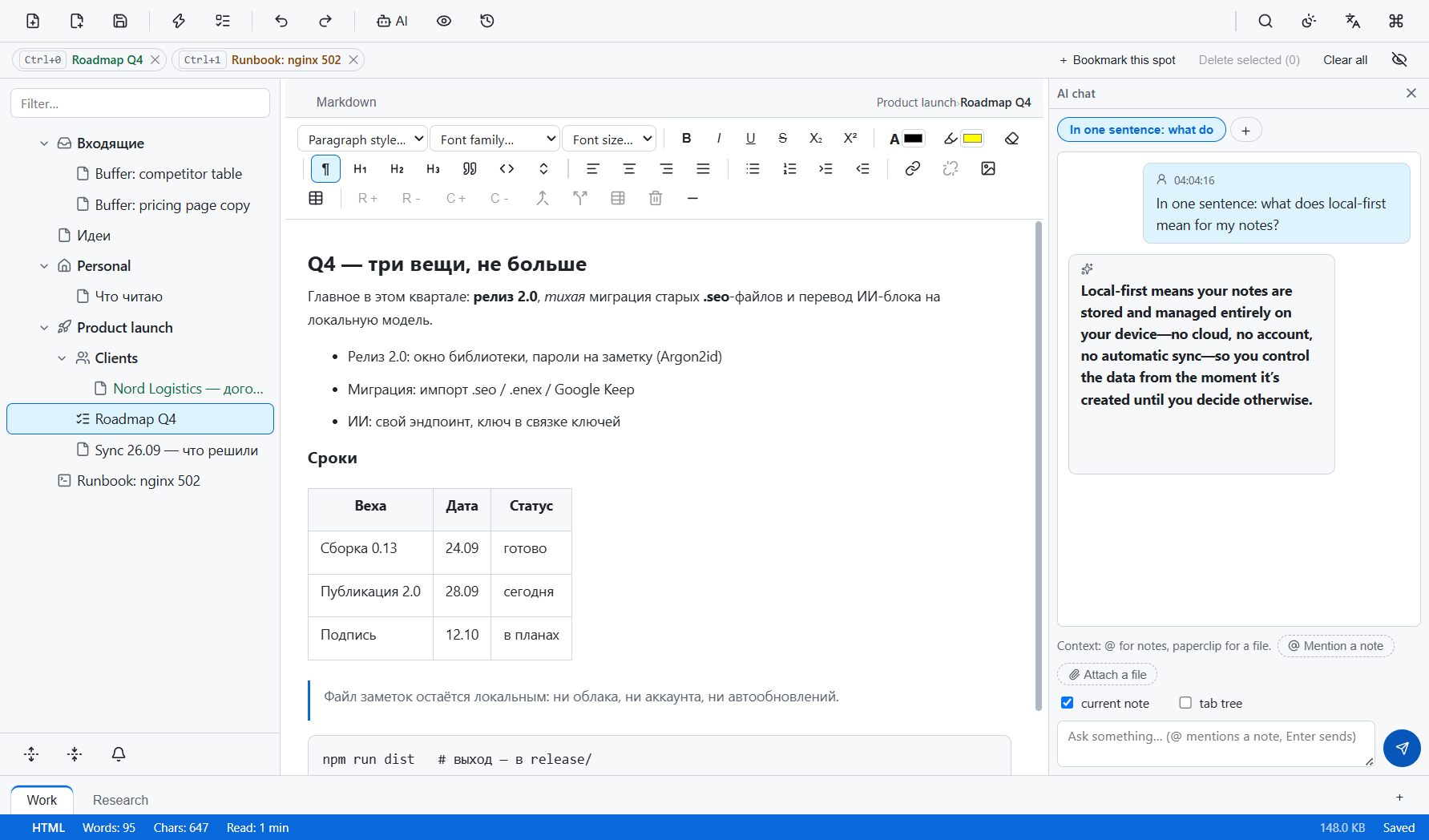
AI panel — asks a model you connect about the open note; with a local one nothing leaves the computer
Enlarge
SEO Note 1.3.34 — the classic build
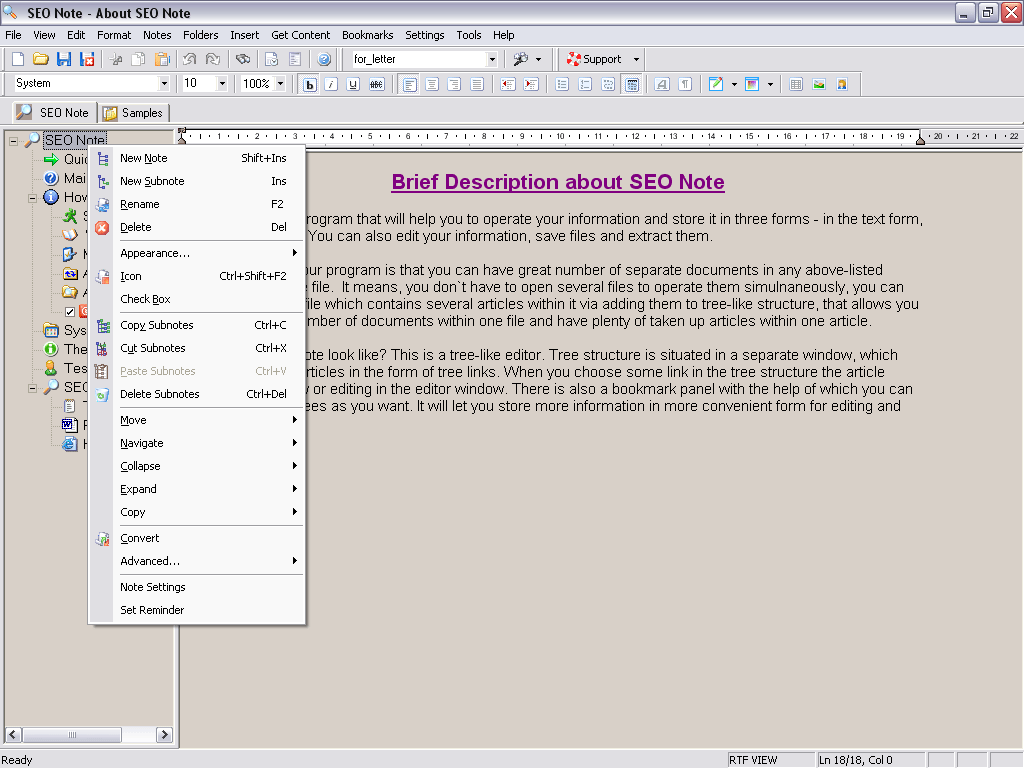
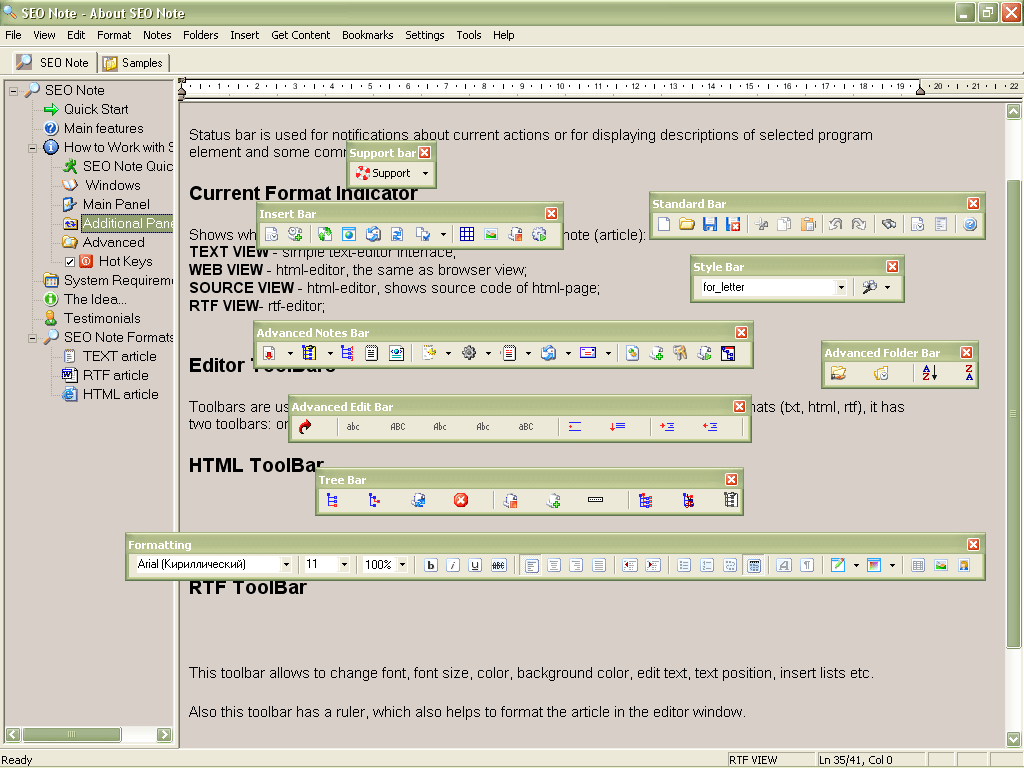
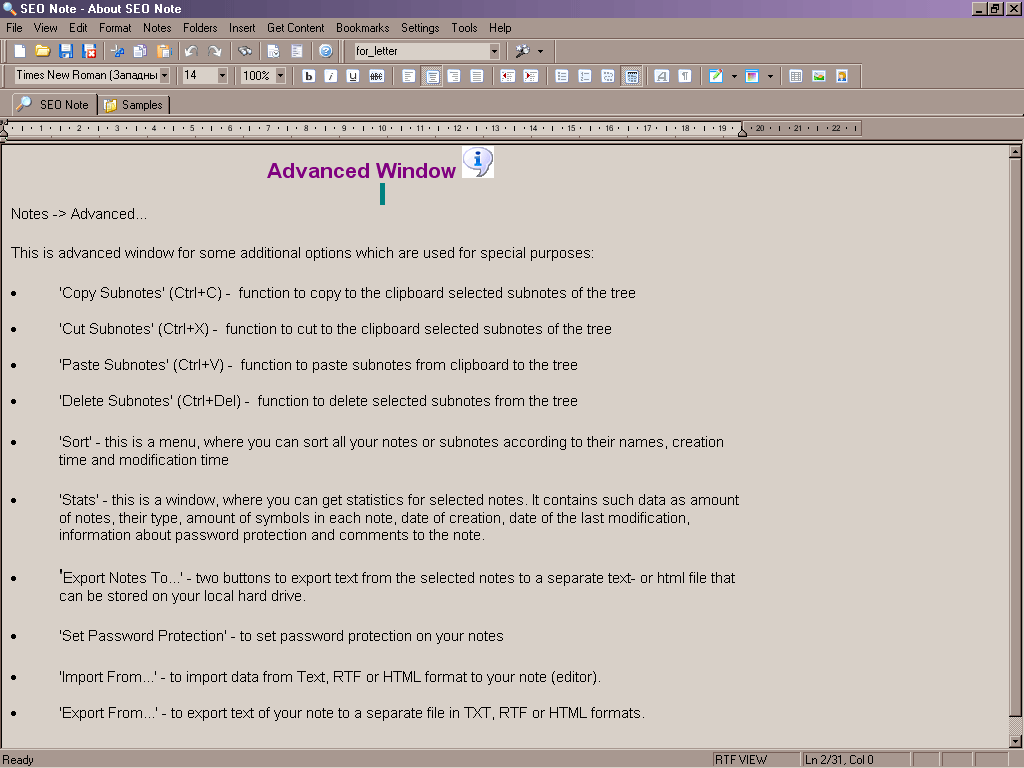
The Windows interface of the classic build, still maintained for Windows 7 / 8 and 32-bit systems.
Main window — overview of the tree and editor
Enlarge
Working with notes — navigating topics in the tree
Enlarge
Editing — writing inside a selected note
Enlarge
Structure — nested topics for projects and plans
Enlarge
Another workspace view
Enlarge
More UI details
Enlarge
Additional layout
Enlarge
Classic Windows look
Enlarge


Your life in a single file